
Why this Pinterest video downloader
Most frustration with Pinterest downloaders is the same handful of problems: a paywall after 15 or 20 Pins, a button that sends you to another website, videos with no sound, small thumbnails instead of the real image, and board downloads that stop halfway. PinToMP4 is built around fixing each one.
Free, with no limits
No free tier that runs out, no subscription, no account and no ads. Save one Pin or a whole board. Public Pins work without signing in to Pinterest.
Right in the Pin, not on another website
A download icon sits next to Share in every Pin's row of buttons. In your feed and search results it appears when you point at a Pin. Click it and the file saves where you are. No copying links, no redirects.
Video with sound
Pinterest often sends a video's picture and sound as two streams. PinToMP4 combines them into one MP4 in your browser, without re-encoding, and checks the file has sound before saving it.
Honest quality: Pinterest's own ceiling
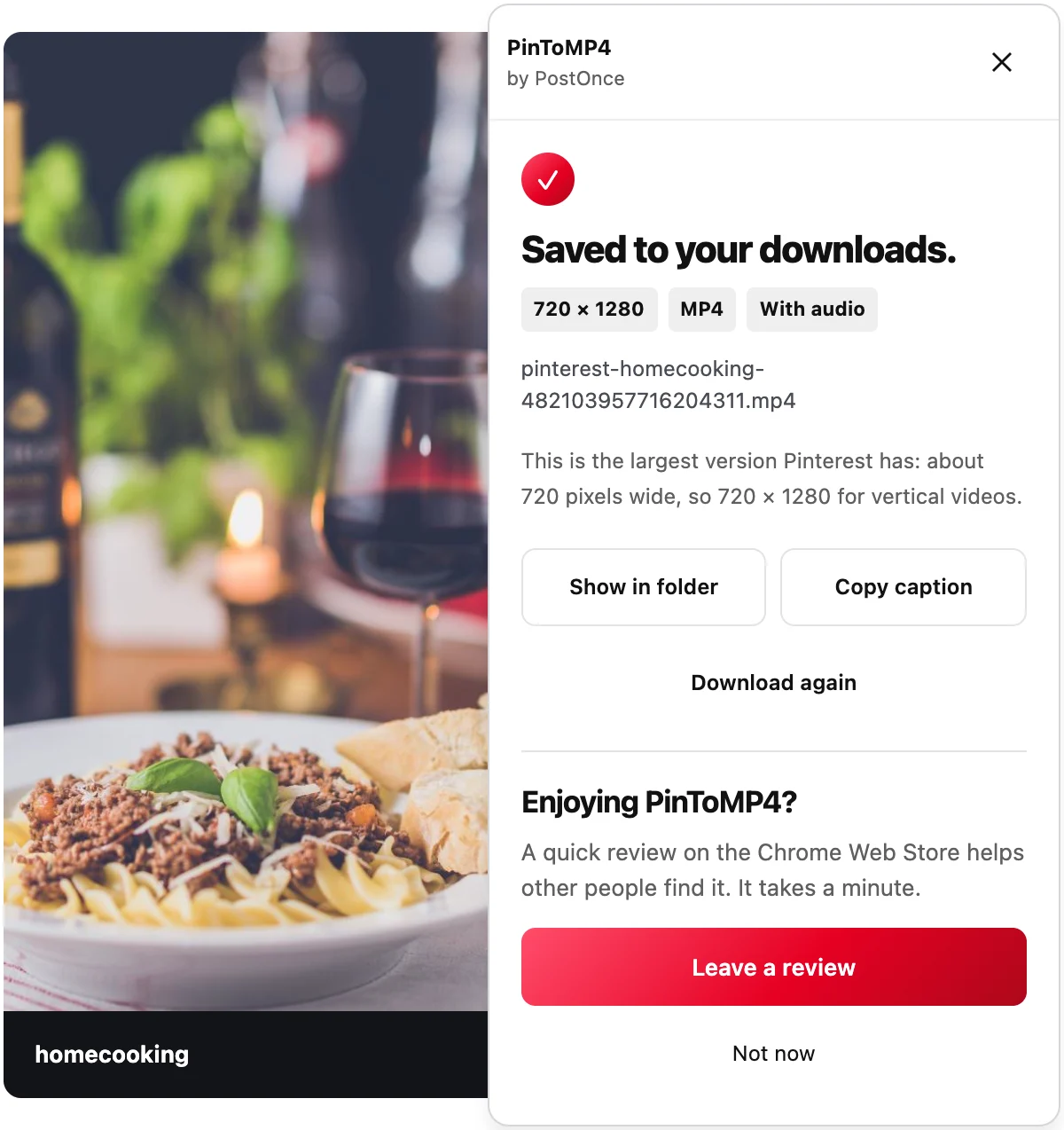
Pinterest serves every video at about 720 pixels wide at most (720 × 1280 for vertical videos, about 736 × 414 for landscape ones), even when the creator uploaded 4K. PinToMP4 saves the highest version Pinterest has and shows the real resolution, such as 720 × 1280. It never promises HD that isn't there.
Images at full size, GIFs that move
Images save at their original size, not the small preview Pinterest shows in the grid. GIFs save as real animated GIFs, not a still frame. Pins with several images save every image, numbered in order.
Whole boards, every Pin
Click Download board at the bottom of any board or section. PinToMP4 reads the board's own list of Pins instead of scrolling the page, so it doesn't stop at the first few dozen or pick up suggested Pins. Sections become folders, files are numbered in board order, and a pins.csv lists each Pin's link, title, description and file name.
Pick only the Pins you want
Turn on Select Pins, tick the ones you want, and download them as one ZIP.
Huge boards that finish
Big boards are split into several ZIPs of up to 500 files or about 1 GB each, so a big download doesn't stall. If a Pin's original file is gone from Pinterest, pins.csv lists it as unavailable instead of leaving a silent gap. You can cancel at any time.
How to download Pinterest videos
- Click Add to Chrome and confirm in the Chrome Web Store.
- Open a Pin on pinterest.com in Chrome and click the download icon next to Share.
- The panel shows progress, then "Saved to your downloads." with the resolution and "With audio". Click Show in folder to find the MP4.
For a whole board, open it and click Download board at the bottom of the page. See the Pinterest board downloader page for sections, Select Pins and pins.csv.
What you can save
- Video Pins, as MP4 with sound, at the largest size Pinterest serves.
- Images, at their original size. See the Pinterest image downloader.
- GIFs, still animated.
- Pins with several images, every image numbered in order.
- Boards and sections, as ZIP files with folders and a pins.csv.
Honest limits
- Video stops at about 720 pixels wide. That's the largest version Pinterest serves for any video (720 × 1280 when vertical). No tool can get more from Pinterest.
- Desktop Chrome only. It also works in Chromium browsers that install Chrome Web Store extensions. There's no phone version.
- No whole profiles in one click yet. Download each board, or use Select Pins on whatever Pins are loaded.
- No private boards you can't open yourself. PinToMP4 sees only what your own Pinterest shows you.
- Pins removed from Pinterest can't be saved. In board downloads they're listed as unavailable in pins.csv.
Privacy
Downloads happen inside your browser and go straight to your computer. Nothing is uploaded and no outside download service is used: files come from Pinterest's own servers. The extension runs only on Pinterest, and it doesn't track what you save. Read the privacy policy.
Please only download Pins you own or have permission to reuse.