
Why Pinterest images often save small
Pinterest shows scaled-down previews in the feed and on boards, often about 736 pixels wide. Right-click "Save image" usually gets you that preview, so a photo uploaded at 2180 × 1600 can land on your computer at a fraction of the size.
PinToMP4 fetches the original file Pinterest stores for the Pin. When Pinterest no longer has the original, it falls back to the largest version available.
How to download a Pinterest image
- Click Add to Chrome and confirm in the Chrome Web Store.
- Open the Pin on pinterest.com in Chrome and click the download icon next to Share. In your feed and search results, point at a Pin to show the icon.
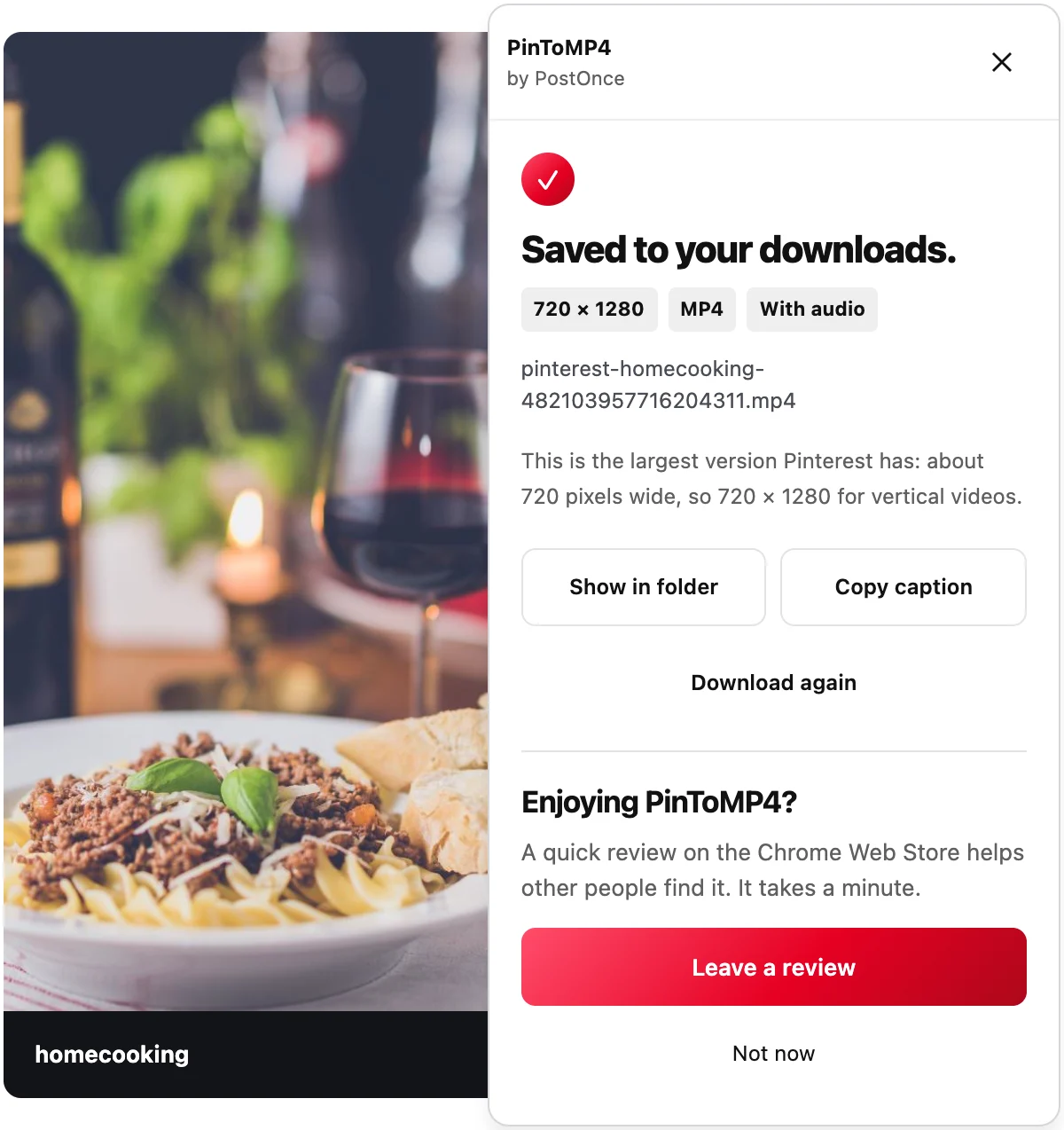
- The panel shows the image's real size when it's saved. Click Show in folder to find it.
What you get
- Full-size originals. For example, a multi-image Pin in our tests saved at 3072 × 4096, the size it was uploaded.
- Animated GIFs, saved as the original GIF, not a still frame.
- Every image from multi-image Pins, numbered 01, 02, 03 in order.
- Readable file names with the creator's name and the Pin ID.
Saving many images at once
For a whole board or section, click Download board at the bottom of the page and get every image in one ZIP, with sections as folders and a pins.csv. To pick only some, use Select Pins. See the Pinterest board downloader.
Videos too
The same icon saves video Pins as MP4 with sound, at the largest size Pinterest serves (about 720 pixels wide). See the Pinterest video downloader.
Honest limits
- The original must still exist. If Pinterest has removed it, you get the largest version left, or a clear message if there's nothing to save.
- Desktop Chrome only. There's no phone version.
- Private Pins save only if you can open them yourself while signed in.
Privacy
Images come straight from Pinterest's own servers to your computer. Nothing is uploaded, nothing is tracked, and there's no account. Read the privacy policy.
Please only download images you own or have permission to reuse.